





















Not Just a Sales Dashboard.
Product-Led Media Decision Tool.

Orphex connects product-level sales data with multi-channel ad spend to show you exactly where to shift your budget. Don't just track your catalog - turn performance insights into automated, high-ROAS ad campaigns.

PaşabahçeArbysVestelBurger KingBilyonerPopoyesKaracaSbarroBeymenustaGetirDeFactomaviturknetSneaks UpTatilBuduravansasaltinyildizqnbEdenredAnalytica House

Your Sales Data and Your Ad Data Are
Speaking Different Languages

You can see which products are selling. You can see which ads are running. Connecting the two requires manual work most teams skip.

Orphex bridges the gap between product performance and media decisions. See which products drive results, which get over or under-invested in, and where your ad budget should follow the data.

Which Products Are Your Ads Actually Selling?

Product-to-Channel Linkage

Which Products Are Your Ads Actually Selling?

Match catalog performance to channel spend and find where the return is really coming from.

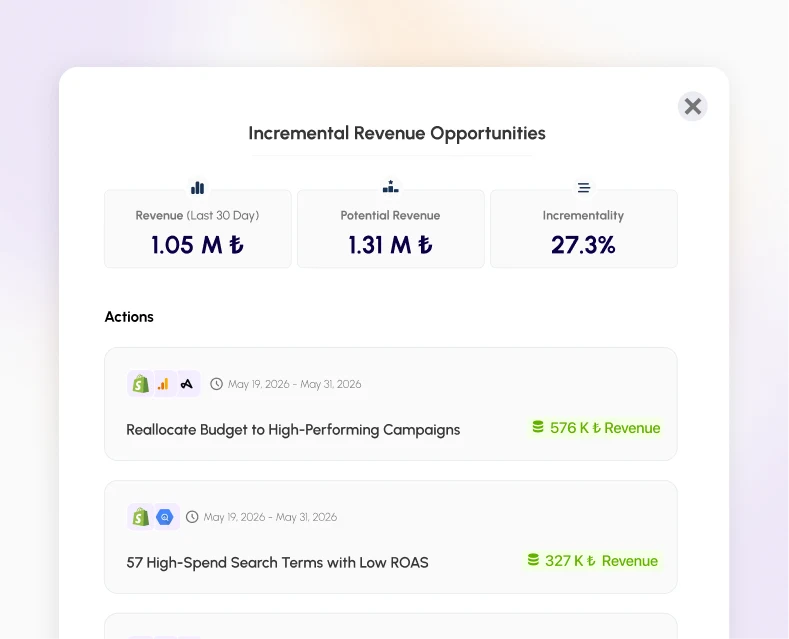
Orphex maps product-level performance to advertising spend across channels. See which products your campaigns actually drive, which receive budget without returns, and which high-performing products deserve more media investment.
Let Product Performance Guide Your Media Plan

Media Decision Support

Let Product Performance Guide Your Media Plan

The best media decisions are made with product data in the room.

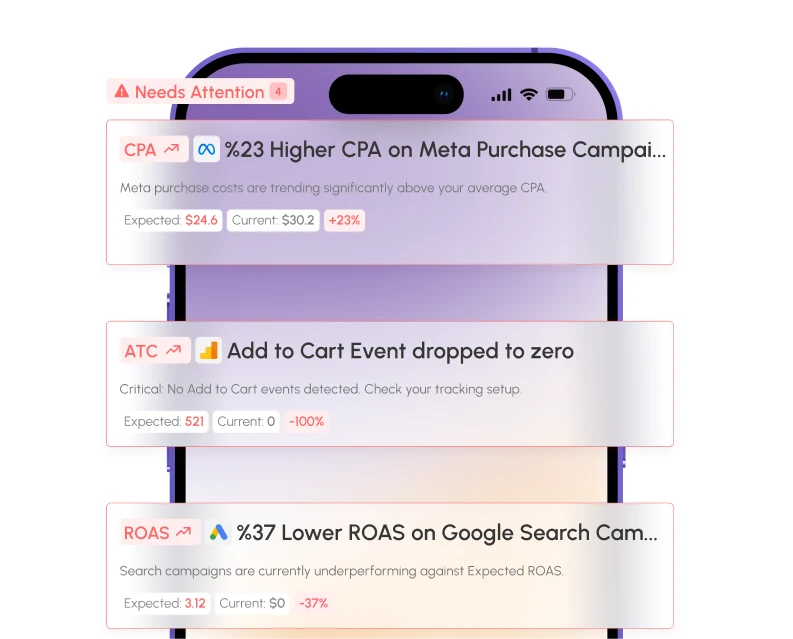
Stop making budget decisions based only on campaign metrics. Orphex surfaces product performance data alongside your channel analytics so your media team can allocate spend toward what the catalog data actually tells them to prioritize.

Product and Channel Data in One View

Unified View

Product and Channel Data in One View

No more switching between your catalog and your ad dashboards.

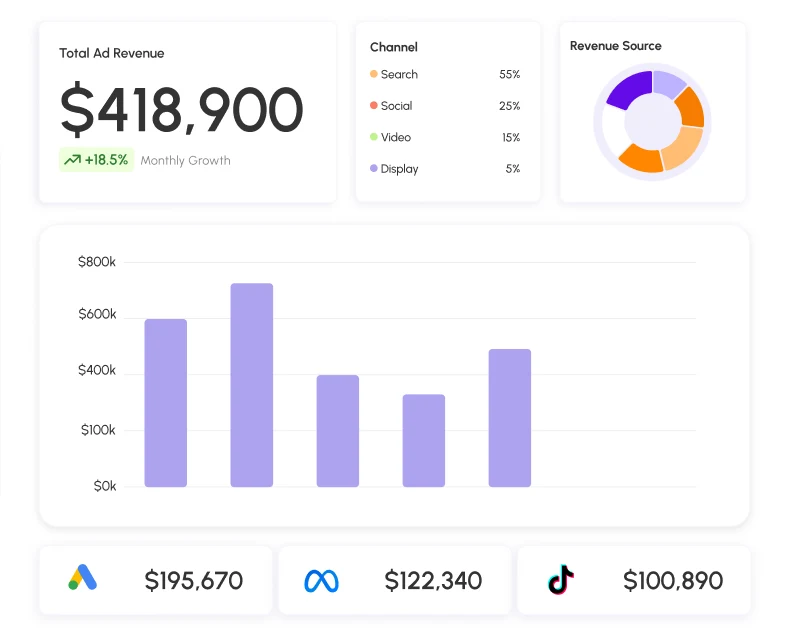
Orphex consolidates product-level data alongside performance metrics from every advertising channel in a single view. Get a complete picture of what's selling, what's not, and what your media is contributing to each.

Bring these product wins into your kpi marketing dashboard, and connect them to campaigns with our marketing insights software.

Ready to put those insights into action? Plan and allocate spend with confidence using our marketing budget software.

Orphex Product Performance at a Glance

Who it’s for, what it does and how to start, in short answers.

Who uses it?E-commerce brands and retail teams running Shopping, Performance Max or catalog ads, and the agencies that manage them.
What need does it meet?Sales data and ad data sit in different tools, so it is hard to see which products the ads actually sell. Orphex links product-level revenue to ad spend and shows which products get budget without return.
Which category is it in?Product-level ad performance analytics for e-commerce, part of the Orphex marketing analytics platform.
BenefitsSpend, revenue and ROAS per product across channels. Each product gets a label: Star Performers, Hidden Potentials, Budget Burners or Ghost Products. Labels can be written to Google Merchant Center and Meta catalog custom labels, so campaigns can be split by them.
What are the alternatives?Feed management tools such as DataFeedWatch, Channable or Producthero, Google Merchant Center reports, and Shopify's own analytics. Feed tools improve the feed. Orphex fits better when you need product results tied to spend across Google and Meta.
Why this software?Labels come from where each product sits on cost and revenue compared with the rest of your catalog, not from one fixed ROAS threshold, and they update as new data arrives.
How do you use it?Connect your ad accounts and a product data source (Merchant Center, a Meta catalog or Shopify), open Product Performance and review products by label. Then shift budget, or use the custom labels to group products in Shopping or Performance Max campaigns.
PricingPrices are not published on the site. Product-level data is included from the Growth plan up; the price depends on your channels and scale, and you get a quote in a demo.
Operating systemWeb-based. Orphex runs in the browser at app.orphex.co, so there is nothing to install on Windows, macOS or Linux.
Technical requirementsA current version of Chrome, Edge, Safari or Firefox, connected ad accounts and a product data source whose product IDs match the ones in your ads. Data refreshes on a schedule, not in real time.

Connect Your Product Data
to Your Media Decisions.

Book a demo and see how Orphex links your catalog to your ad performance.