An AI assistant for agencies with multiple clients needs to know which client workspace to use for each request. "How did Meta perform last week?" sounds like a straightforward question until your agency manages five clients on Meta. Here's how Orphex MCP identifies the right workspace, along with four habits that help your team avoid client mix-ups.
Where does AI assistant confusion come from in agencies?
Client mix-ups in a shared AI assistant almost always come from a gap between what the assistant can technically reach and what the person asking actually meant. An agency account manager might ask "how did the campaign perform last week" without naming a client, assuming the assistant already knows which account they mean from context. An assistant connected to several client accounts at once has no such context unless it's told directly. That's a gap in how the connection is set up, not a sign the assistant is being careless, and it's fixed at the connection level rather than by expecting the assistant to guess better.
This isn't unique to AI. The same ambiguity shows up when someone opens the wrong spreadsheet tab, or replies in the wrong client's email thread. In a spreadsheet, you'd likely spot the wrong client name on the tab right away. An AI assistant's wrong answer can read just as confidently as the right one, which is what makes it harder to catch.
What is workspace separation, and why does it matter?
Each client has a dedicated workspace in Orphex, with its own connected accounts, data, and permissions. For agencies, this is the structural reason that managing multiple clients doesn't automatically mean mixing them up.
Orphex lets you access your data from supported AI assistants through Orphex MCP; one connection can reach several client workspaces, but each request still resolves to a single client's workspace rather than pulling from more than one at once. Change permissions follow the same logic: your AI assistant can make changes on a client's ad accounts once change permission is turned on for that specific workspace, and only through the required review and approval flow, not applied to every client account at once. Alert rules and the weekly performance summary email work the same way, each tied to its own workspace, so a budget alert on Client A's Meta account doesn't show up mixed in with Client B's.
Orphex's agency solution is built around this same separation: each client gets its own account structure rather than one shared pool of connected platforms.
How does Orphex MCP identify the right client workspace?
A single Orphex MCP connection can access multiple client workspaces. When more than one workspace is available, name the client in your request. For example, ask "What did Company A spend on Meta last week?" If you leave out the client name, Orphex MCP prompts the assistant to ask which client you mean before the request proceeds.
If you haven't connected an AI assistant to Orphex MCP yet, watch Orphex Academy's video on connecting Claude or follow the written walkthrough in Orphex Academy, which covers the same workspace selection step during setup.
If you're still deciding which assistant to connect this way, our guide to the best MCP servers for marketing teams covers the setup differences across platforms.
4 practical habits that prevent client mix-ups
These four habits help your team route requests to the right client workspace and manage change permissions for each client.
Situation | Example | What to do |
|---|---|---|
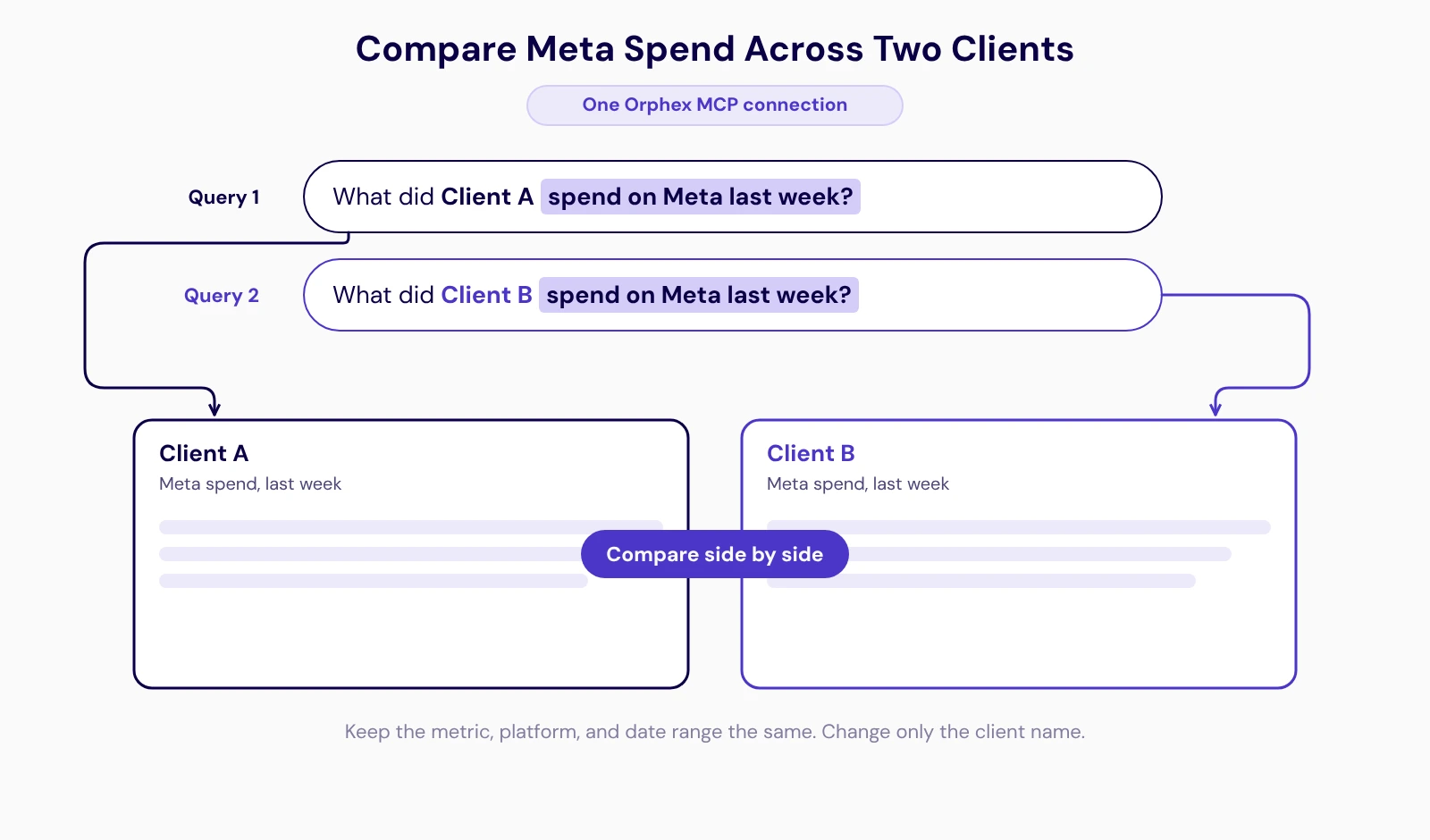
Asking about more than one client in the same conversation | "Compare Client A's and Client B's spend this week" | Run one query per client. Name the client in each query, then compare the two results side by side |
Giving the assistant broad write access across every client | "Allow assistant changes" turned on in every workspace | Turn write access on per workspace, and leave it off for clients where that risk doesn't make sense |
Onboarding a new client | Asking questions with the habits and terms from an old client's setup | Use the client's name and confirm the account and campaign names before running your first report |
Switching clients mid-conversation | Starting with Company A, then asking about Company B without saying so | Name the new client explicitly the moment you switch |
When should agencies use separate MCP connections?
One shared AI assistant connection is usually enough when a single person is working through one client's reporting, budget, or creative questions at a time, naming the client clearly whenever more than one comes up. A separate MCP connection can be useful when an account manager runs a dedicated reporting workflow for a single client. When team members manage different clients, use workspace permissions to control which accounts each person can access.
If your team also uses dashboards for client reporting, see our guide to choosing a dashboard tool.
FAQ
Do you need a separate MCP connection for every client?
No, not by default. One connection can reach multiple client workspaces. Teams that want hard separation between clients still set up separate connections; see the section above on when that's worth it.
Does this work the same way across different AI assistants?
Yes. The workspace-selection rule is part of the Orphex MCP connection itself, not a feature of any one assistant, so it applies the same way whether you're using Claude, ChatGPT, or another supported assistant.